Instant startup.
Start serving files in milliseconds. No terminal commands, dependencies or configuration files.
Preview static sites, test front-end projects and open HTML files locally. Choose a folder, click start and get back to building.
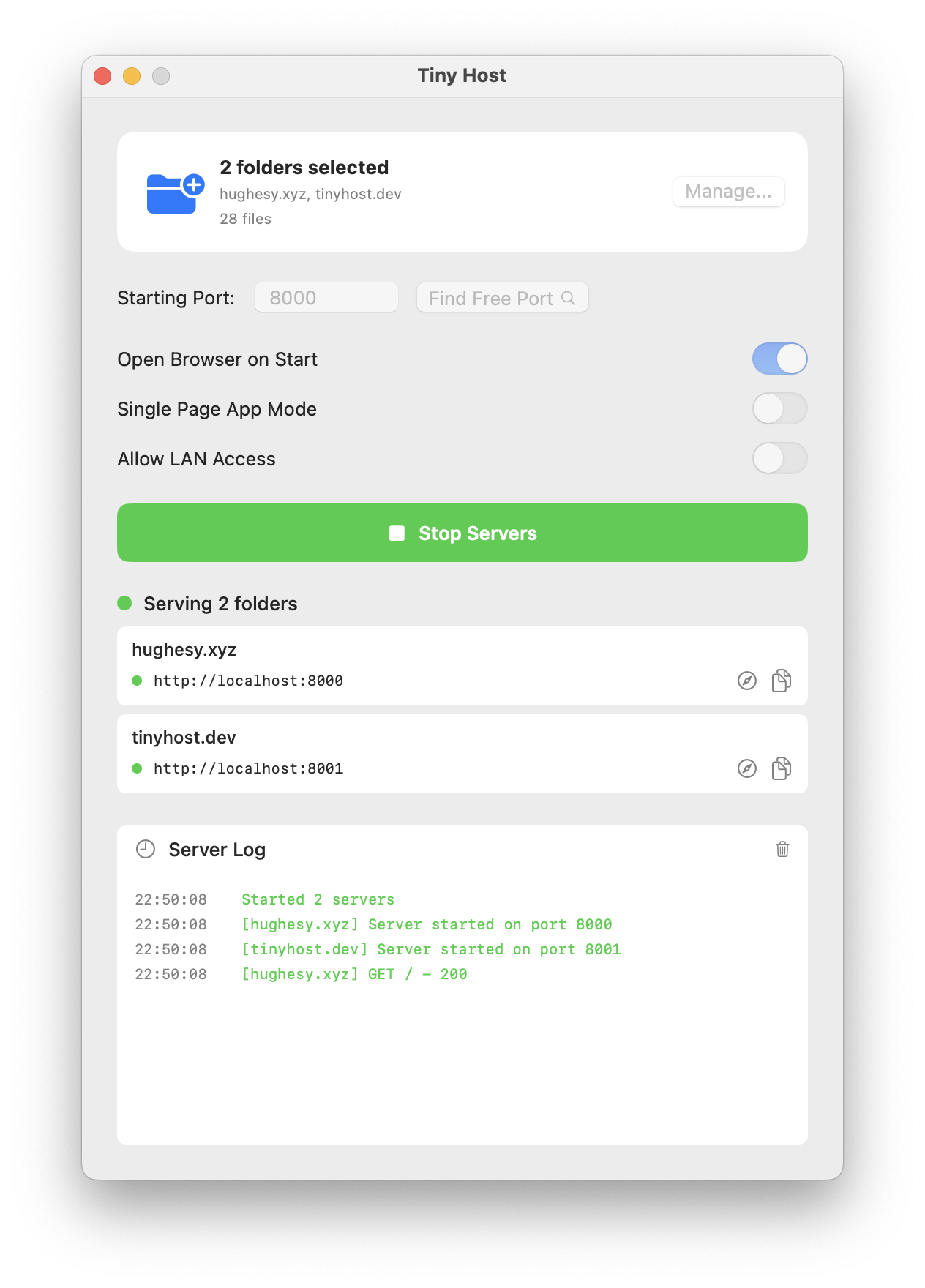
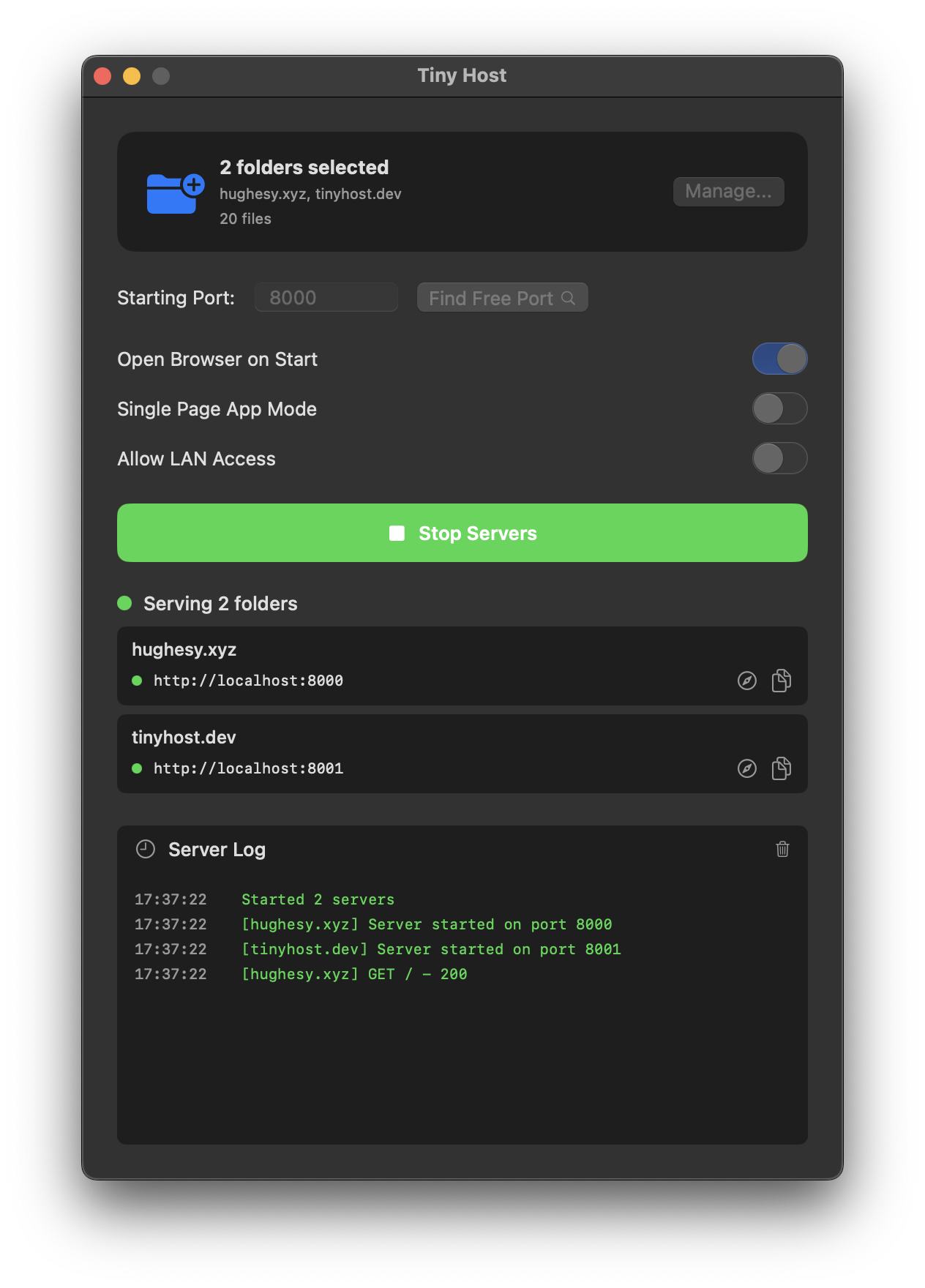
Your server starts in milliseconds. Tiny Host handles the address, port and browser launch.
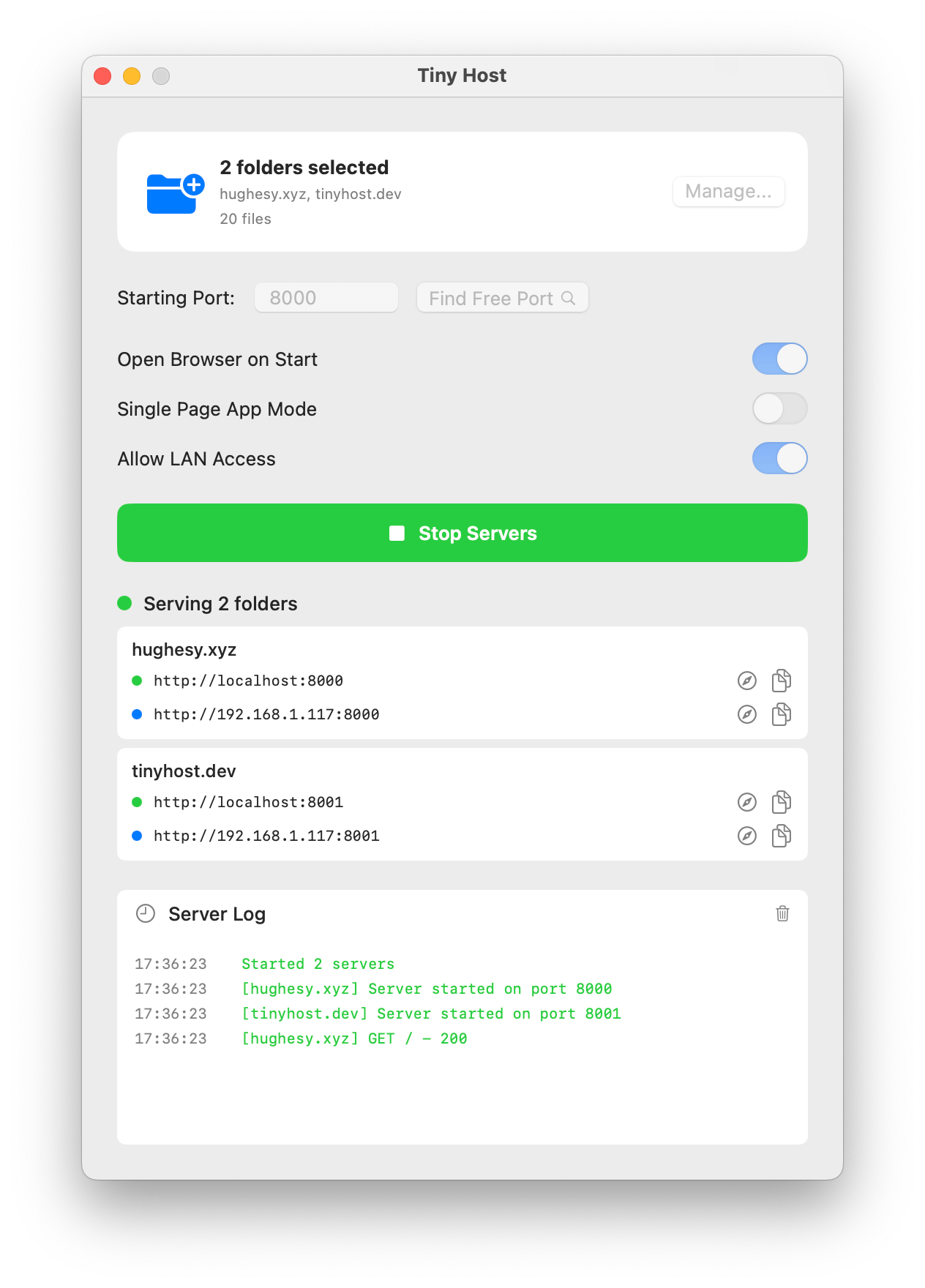
A clean native app for serving static files locally, without turning local hosting into a project of its own.
Start serving files in milliseconds. No terminal commands, dependencies or configuration files.
Host one folder for free. The paid upgrade lets you run multiple projects at once, each with its own local address and port.
Open the same site on your phone, tablet or another computer connected to your network.
Get Tiny Host from the Mac App Store and preview your next static site with one folder included free.
Download on the Mac App Store